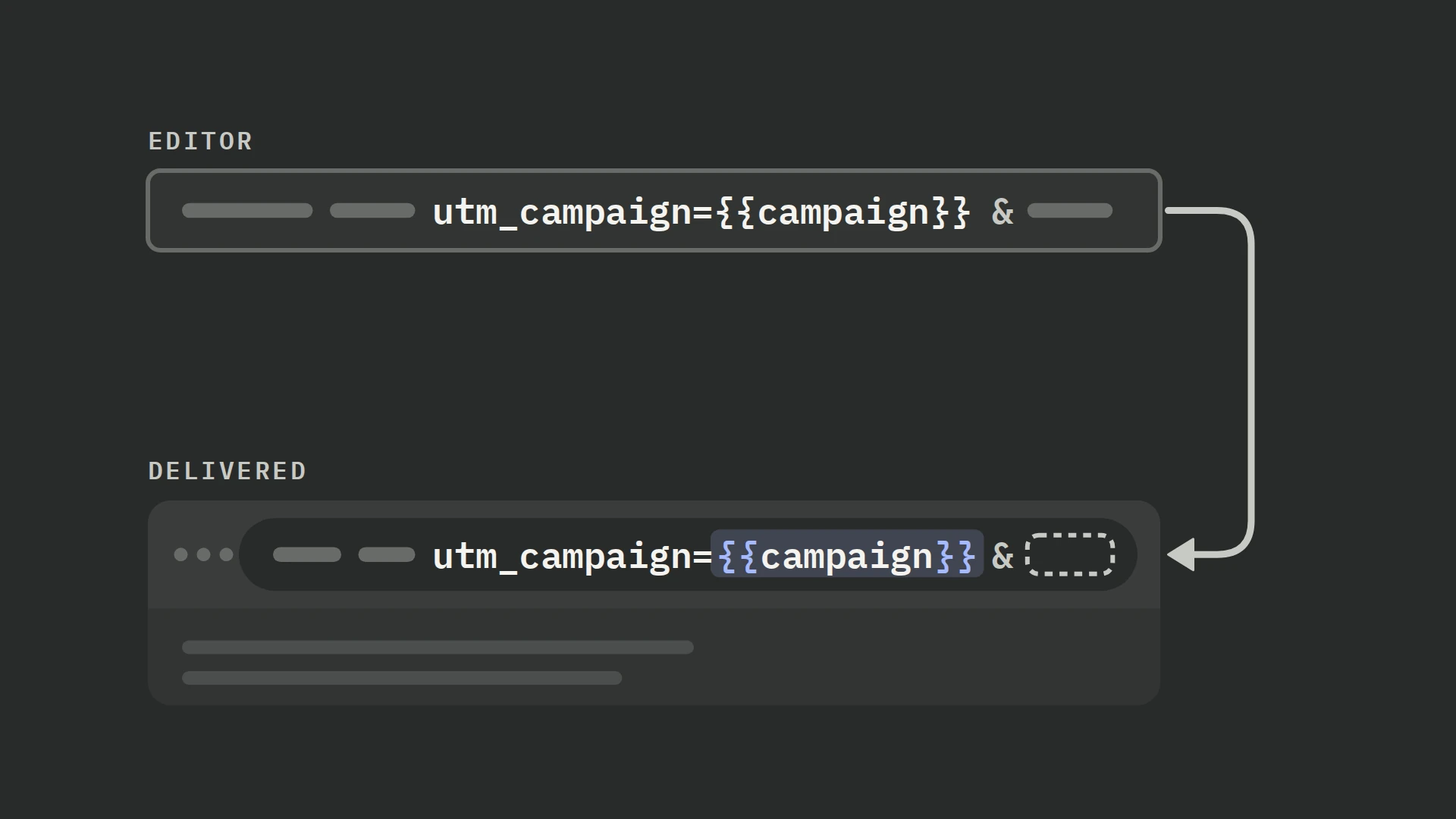
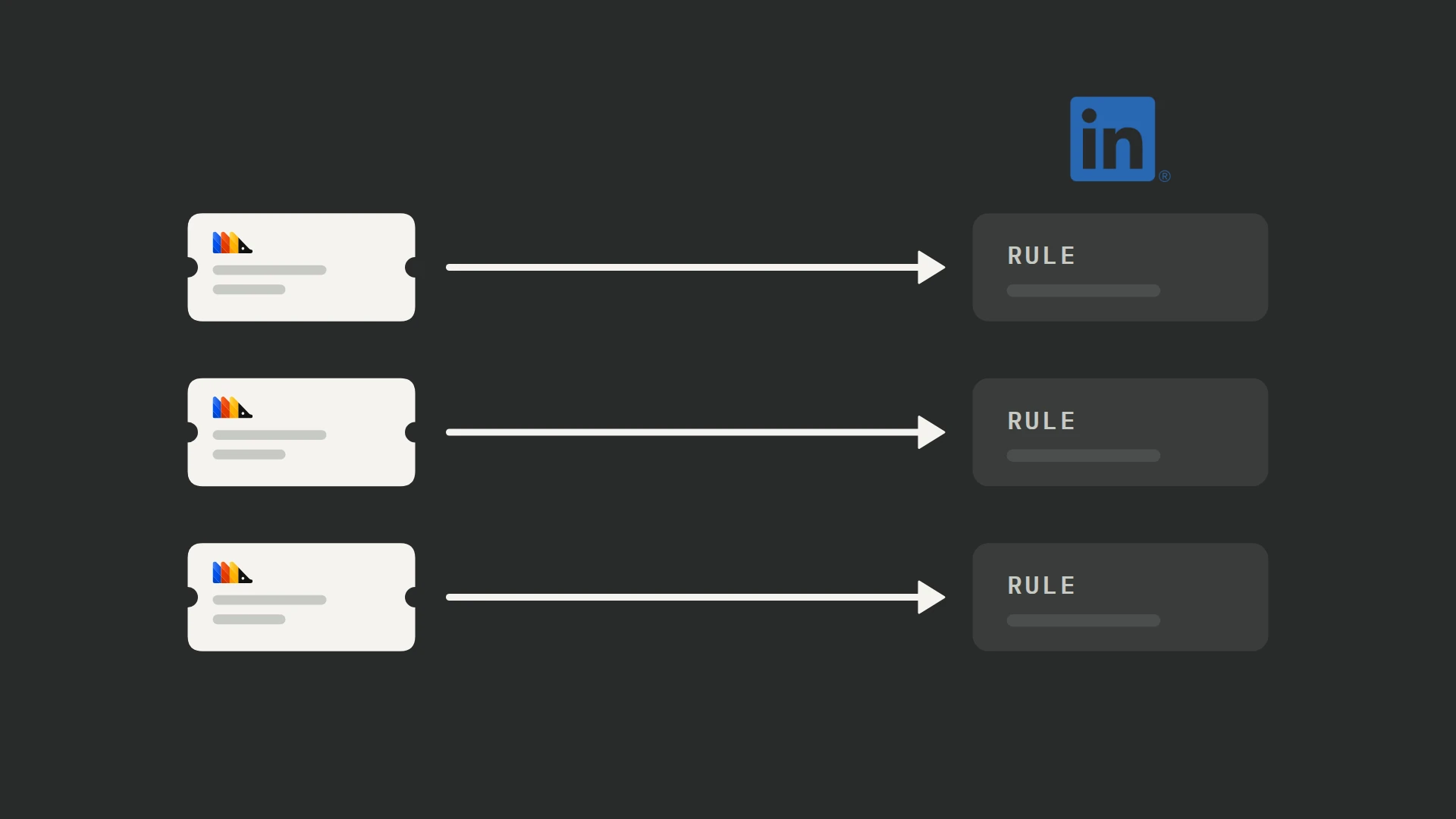
LinkedIn’s Conversions API sends conversion events from your server to LinkedIn so they can be matched to members and attributed to your campaigns. PostHog’s LinkedIn Ads Conversions destination turns selected PostHog events into those API requests. (+ / +) For an integration outside PostHog, use LinkedIn’s API setup guide.
You need a Conversions API rule associated with the campaigns you want to measure, matching data on the conversion, and a shared event ID if the Insight Tag reports the same action. Our ad destinations overview covers the shared prerequisites, person-property timing and delivery limits.
What you need
- A PostHog event that records the completed purchase, signup or lead you want to measure.
- Access to the LinkedIn ad account and permission to authorize PostHog.
- A LinkedIn Conversions API rule for that action, plus the visitor’s matching identifiers and recorded advertising permission.
- One conversion ID shared with the browser tag if both integrations report the action.
Step 1: Connect the account and conversion rule
In LinkedIn Campaign Manager, open Measure → Conversion tracking → Create conversion → Conversions API. Name the rule, choose its category, value policy and attribution windows, and associate the relevant ad sets. For values supplied per event, select Use a dynamic value and set the required default. (+)
In PostHog, open Data pipeline → Destinations → New destination, search for LinkedIn Ads Conversions, then click + Create. (+ / +) Connect your account in LinkedIn Ads account, then select Account ID and the Conversion rule. The template uses LinkedIn OAuth rather than a manually pasted conversion token. (+)
PostHog marks this template Experimental and offers no official support for unexpected issues. Verify its requests before enabling delivery. (+)
LinkedIn requires X-Restli-Protocol-Version: 2.0.0 on API requests, and the stock template omits that header. (+) Click Edit source code and replace the existing let res := fetch(...) block with the block below to include it. Keep LinkedIn-Version: 202607 and the error-handling block after the request.
let res := fetch('https://api.linkedin.com/rest/conversionEvents', {
    'method': 'POST',
    'headers': {
        'Authorization': f'Bearer {inputs.oauth.access_token}',
        'Content-Type': 'application/json',
        'LinkedIn-Version': '202607',
        'X-Restli-Protocol-Version': '2.0.0'
    },
    'body': body
})
Step 2: Select events and apply filters
This template has one conversion rule and one set of fields per destination, with no starting event mappings. Select the exact PostHog conversion event in Filters; there is no default page-view mapping to remove. Use a separate destination for each LinkedIn rule. (+)
For an illustrative purchase setup, select purchase_completed and require a non-empty conversion_id. Require revenue and currency too if you will send dynamic value. Replace these generic names with your own properties. Avoid overlapping destinations that send the same action to the same rule.
Apply the matching-data and consent conditions in this destination’s Filters. A browser SDK opt-out stops browser capture (+); it does not stop your server or billing provider sending events. Record permission in a property such as ads_consent = true, include it on backend conversions, and require it in the destination’s filters. (+)
Switch on Filter out internal and test users and apply the exclusions in our internal-user filtering guide. Also exclude staging, localhost and QA events. Use inline person-property filters for this destination; behavioral cohort conditions can make its filters fail. (+)
Step 3: Prepare matching data
In User ids, map SHA256_EMAIL to a normalized SHA-256 email hash and LINKEDIN_FIRST_PARTY_ADS_TRACKING_UUID to the raw LinkedIn click ID. Either provides a matching route. Additional User information is optional; for the template’s API version, that object must contain both firstName and lastName in plain text. (+)
The default email input is {sha256Hex(person.properties.email)}. It hashes the stored address as supplied. The template also drops the whole User information object unless both names are present, so a company or country alone will not be sent. The template has no local skip for empty userIds: with neither identifier nor a complete name pair, it still sends a request. For this email/click-ID setup, require at least one usable email or unmasked click ID in Filters. (+)
Replace SHA256_EMAIL with this expression. It reads a non-blank event email first, otherwise the person’s email, then trims, lowercases and hashes it. Supply a valid address without internal whitespace; the expression does not repair an invalid address.
{not empty(trim(toString(event.properties.email ?? ''))) ? sha256Hex(lower(trim(toString(event.properties.email)))) : (not empty(trim(toString(person.properties.email ?? ''))) ? sha256Hex(lower(trim(toString(person.properties.email)))) : null)}Do not hash a value already stored as SHA-256. Map that hash directly instead. Review the optional firstName, lastName, companyName, title and countryCode entries, and remove values you do not have. Hashed names require API version 202609 or later; do not add them to this 202607 request.
For backend events, preserve the visitor’s context before the server confirms the conversion, so you can attach the stored identifiers to the event.
Step 4: Check li_fat_id capture
Enable Enhanced conversion tracking on the Insight Tag in Campaign Manager to append li_fat_id to ad landing URLs. The tag must exist in Campaign Manager, but its script need not be installed for URL click IDs to arrive. (+)
Preserve li_fat_id from the landing URL. The PostHog JavaScript SDK overwrites the cookie value with null when the URL parameter is missing or blank; automatic cookie fallback does not preserve it. Personal-data masking returns <masked> rather than a usable click ID. (+ / +)
| Landing URL parameter | Cookie | SDK campaign value |
|---|---|---|
| Missing | Present | null |
| Contains an ID | Present | URL value |
| Blank | Present | null |
| Masked | Present | <masked> |
The destination’s default is {person.properties.li_fat_id ?? person.properties.$initial_li_fat_id}. (+) Replace it with the expression below to use an event-level ID first and omit a masked value:
{not empty(event.properties.li_fat_id ?? person.properties.li_fat_id ?? person.properties.$initial_li_fat_id) and (event.properties.li_fat_id ?? person.properties.li_fat_id ?? person.properties.$initial_li_fat_id) != '<masked>' ? (event.properties.li_fat_id ?? person.properties.li_fat_id ?? person.properties.$initial_li_fat_id) : null}Follow a real ad click through redirects and inspect the final URL and captured event. Save the non-empty, unmasked landing ID with the customer record, then attach it to a later backend conversion as li_fat_id. If you need a cookie-only ID, read and store the cookie explicitly under the same recorded advertising permission; automatic campaign capture does not supply it. Our ad URL parameters guide covers capture and persistence. Do not recover a different stored ID to bypass a masked value.
Step 5: Set value, currency and event time
LinkedIn expects a decimal-string conversionValue.amount, an ISO currency code and conversionHappenedAt in Unix milliseconds. The event must be within the past 90 days. That age limit is separate from the attribution windows on your rule. (+)
The template leaves value and currency blank and defaults Conversion Date Time to {toUnixTimestampMilli(event.timestamp)}. Keep that timestamp for a conversion recorded at the time it happened. (+)
| PostHog field | Example mapping |
|---|---|
| Conversion value | {toString(event.properties.revenue)} |
| Currency code | {event.properties.currency} |
These mappings assume the source event carries a numeric base-unit revenue and its actual currency. An illustrative 10.99 USD purchase should arrive as amount: "10.99" and currencyCode: "USD". Map both fields together; do not invent USD when the currency is absent.
If your backend captures a delayed event, use the actual conversion time rather than the webhook receipt time. Do not replace an old timestamp with the current time to get an upload accepted.
Step 6: Share an ID with the Insight Tag
For a conversion sent by both the Insight Tag and CAPI, create a rule for each data source in the same ad account and associate both with the relevant campaigns. Send the same ID as the browser’s event_id and the API’s eventId. LinkedIn counts the Insight Tag copy and deducts the duplicate from the CAPI conversion count. (+)
PostHog defaults Event ID to {event.uuid}, which a separately installed Insight Tag does not automatically know. (+) Create one ID when the conversion happens, pass it to both integrations, and replace PostHog’s input with:
{event.properties.conversion_id}For an event-specific browser conversion, put the shared ID in the Insight Tag’s lintrk call as event_id, alongside its browser conversion_id. For a page-load conversion, set window._linkedin_event_id before the Insight Tag runs. Reuse the ID on retries; give a different conversion a different ID.
In our subscription integrations, we use each payment’s transaction ID for paid-event deduplication and keep the original transaction ID separately for the subscription’s history. Use that distinction here: each payment needs its own conversion ID, while a retry of that payment keeps the same one.
Step 7: Test, then verify each outcome
PostHog’s test panel makes real HTTP requests by default. Open More and switch off Make real HTTP requests for the first run. Load a recent matching event and inspect the constructed request; a mocked call does not establish platform acceptance. (+ / +)
Check the selected rule URN, normalized email hash, unmasked click ID, shared event ID, amount, currency and millisecond timestamp. Test a conversion with no email and one with no click ID, then one with neither identifier nor a complete name pair. That last case still constructs a request with empty userIds; verify that your destination filters exclude it before allowing real requests.
We ran the Hog examples in PostHog’s engine with sample events and mocked requests; we have not sent live conversions to LinkedIn with this setup, so complete the controlled live check below.
The stock template has no validation-only input and posts directly to /rest/conversionEvents. (+) When ready, allow real HTTP requests for one controlled conversion. A successful single-event request returns 201 Created. (+)
- Confirm that PostHog made an HTTP request and recorded no API error. A mocked preview is not delivery.
- In Campaign Manager, open Measure → Conversion tracking and click the conversion’s Active status. Check detected events and the last received signal, then the match rate and matching parameters.
- If both integrations send the event, check the deduplicated count and the name of the paired conversion. Compare the two conversions in campaign reporting.
- Check attributed conversions in the campaigns associated with the rule, using the rule’s attribution windows.
The status details can include received events, match rate and deduplicated events; event counts and match rate can take a few hours to populate. (+) Complete reporting can take up to 72 hours. An accepted event still needs to match a member and qualify for attribution. (+)
Once the controlled event passes, click Create & enable and monitor PostHog’s logs and LinkedIn’s conversion status. For unexplained differences, use our conversion tracking audit to compare source conversions with received and attributed totals.
Troubleshooting
| Symptom | What to check |
|---|---|
| Authorization fails | Reconnect the LinkedIn account and confirm that its member has access to the selected ad account and the required permissions. |
| A rule is missing or conversions receive no ad credit | Check that the rule is enabled, uses Conversions API and is associated with the campaigns you are comparing. |
| 422 or invalid user identification | Inspect the outgoing request. Send a usable email hash, click ID or another supported matching route. If User information is present, it needs both names for API version 202607. |
| A company or country is absent | The template omits User information unless both first and last name are populated. See the matching inputs. |
| An old event is rejected | Check milliseconds versus seconds and the 90-day event-age limit. |
| Both browser and API conversions are counted | Compare the actual IDs, ad account and paired rules. Use the Insight Tag pairing. |
| Received events have a low match rate | Check email normalization, click-ID capture and whether matching data existed when PostHog processed the conversion. |
| Revenue differs | Compare the base-unit string, currency and the rule’s fixed versus dynamic value policy. |
Frequently asked questions
Can I use LinkedIn Conversions API without installing the Insight Tag?
Yes. You can send conversions from PostHog without installing the browser tag. To receive li_fat_id on landing URLs, create an Insight Tag in Campaign Manager and enable enhanced conversion tracking; installation is not required for that URL parameter. (+) Preserve the ID or another supported identifier with the conversion.
Can one LinkedIn destination send purchases and qualified leads?
The current template selects one conversion rule per destination. Use separate destinations for different LinkedIn rules, with filters that select the appropriate PostHog event for each. (+)
How many LinkedIn conversion requests can I send?
Can I send a LinkedIn conversion without an email address?
Yes, if another supported identifier is present. The template supports li_fat_id, and a complete first-and-last-name pair can also provide identification. Omit an absent email rather than hashing a blank string. (+)