Microsoft Advertising’s Conversions API sends conversion events from your systems to Microsoft Advertising. PostHog’s Microsoft Ads Conversions destination sends selected events to a UET tag, where their event names can match custom conversion goals. (+ / +) For an integration outside PostHog, start with Microsoft’s CAPI setup guide.
This setup needs a UET tag and its CAPI token, an action-based conversion goal, and identifiers such as msclkid or an email address. Our ad destinations overview covers the shared prerequisites, person-property timing and delivery limits.
What you need
- A PostHog event that records the conversion you want Microsoft Advertising to measure.
- The UET tag ID, its Conversions API token and a matching custom conversion goal.
- The visitor’s click ID or contact identifier, with recorded permission to share it.
- A conversion ID passed to both UET and PostHog if both report the same action.
Step 1: Connect the UET tag
In Microsoft Advertising, open your UET tag settings and edit the tag. Select Save and next → Use Conversions API → Copy Token. The token is for that UET tag; keep it separate from Microsoft OAuth or developer credentials. (+)
If Use Conversions API is unavailable, contact your Microsoft Advertising account manager about CAPI pilot access. (+)
In PostHog, open Data pipeline → Destinations → New destination, search for Microsoft Ads Conversions and click + Create. (+) Paste the ID into UET Tag ID and the token into Conversions API token. The template posts to https://capi.uet.microsoft.com/v1/{tagId}/events. (+)
PostHog marks this template Experimental and offers no official support for unexpected issues. Verify its requests before enabling delivery. (+)
Step 2: Match the conversion goal to your event
Use a custom conversion goal whose event action matches PostHog’s Event name. (+) This template always sends eventType: "custom"; it does not send page-load events or expose event category and label fields. (+) If your goal requires category, label or event-value conditions, supply those through a deliberate code change or choose a goal that the available fields satisfy.
The starting Conversion mapping has no selected source event and a blank Event name. Select your exact PostHog conversion event and enter the action configured on the goal. There is no default page-view mapping to remove.
In our subscription integrations, trial starts, first payments and renewals have separate source events, and paid events carry actual revenue. Choose which outcome this Microsoft goal should count before assigning its Event name; keep the other lifecycle events out of that mapping.
Create a mapping for each goal action you want to send through the same UET tag. As an illustrative purchase setup, filter for purchase_completed, set Event name to the goal’s purchase action, and require conversion_id, revenue and currency. Replace these generic property names with yours; keep mappings from overlapping.
Apply the matching-data and consent conditions to every mapping. A browser SDK opt-out stops browser capture (+); it does not stop your server or billing provider sending events. Record permission in a property such as ads_consent = true, include it on backend conversions, and require it in the destination’s filters. (+)
Switch on Filter out internal and test users and apply the exclusions in our internal-user filtering guide. Also exclude staging, localhost and QA events. Use inline person-property filters for this destination; behavioral cohort conditions can make its filters fail. (+)
Microsoft treats an omitted adStorageConsent as granted. The stock template does not send that field, so keep the recorded-permission filter on every mapping. (+)
Step 3: Preserve and map msclkid
Enable Microsoft Advertising auto-tagging so an ad click adds msclkid to the landing URL. Preserve the most recent value for the visitor. The CAPI field expects the UUID without hyphens. (+)
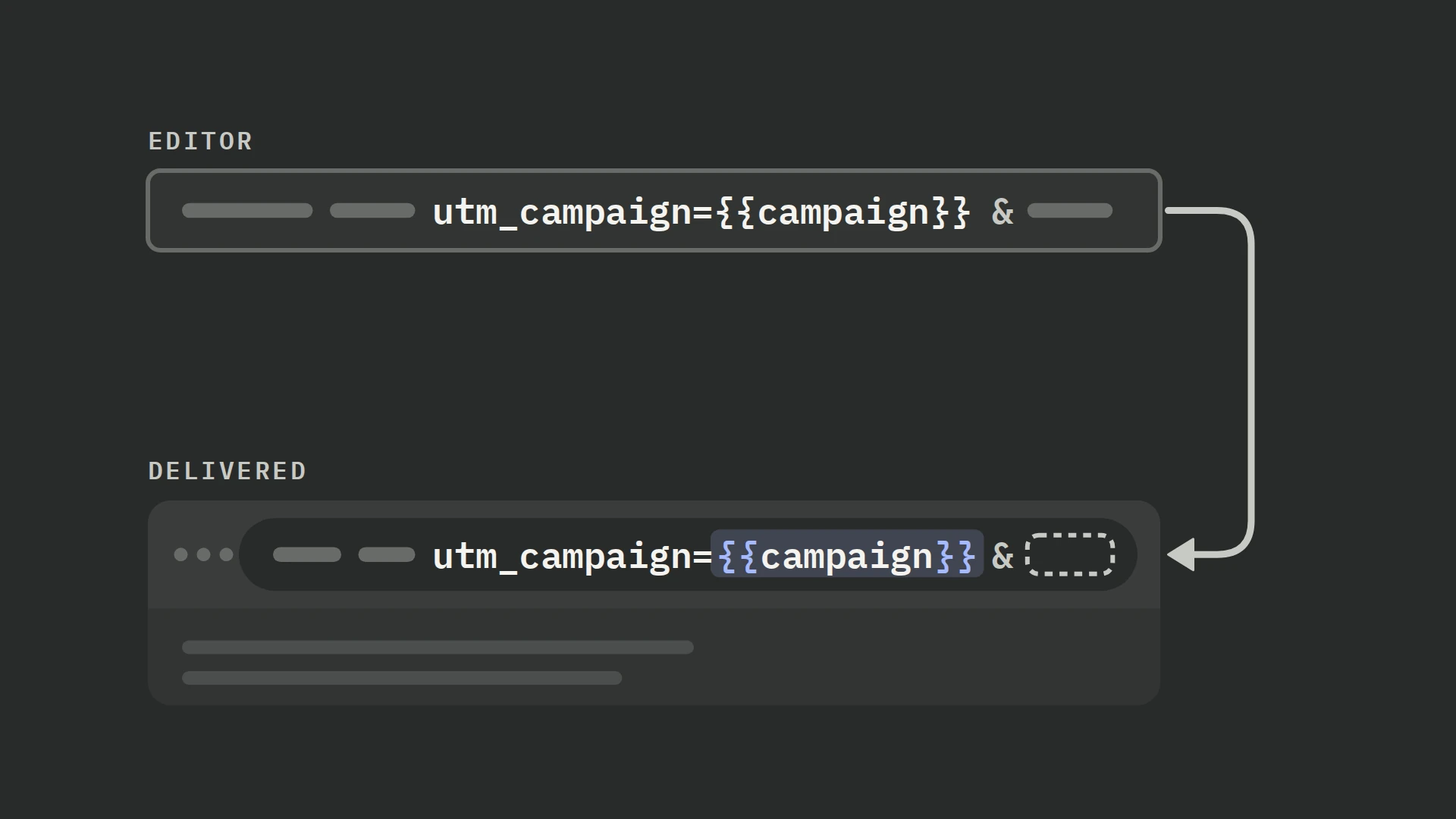
PostHog’s JavaScript SDK captures msclkid as a campaign parameter. Personal-data masking replaces it with <masked>. (+) The template defaults Microsoft Click ID to {person.properties.msclkid ?? person.properties.$initial_msclkid}. (+)
Use this replacement to prefer the conversion event’s ID, remove UUID hyphens and send only 32 hexadecimal characters. It omits missing, malformed or masked values:
{match(replaceAll(toString(event.properties.msclkid ?? person.properties.msclkid ?? person.properties.$initial_msclkid ?? ''), '-', ''), '^[0-9a-fA-F]{32}$') ? lower(replaceAll(toString(event.properties.msclkid ?? person.properties.msclkid ?? person.properties.$initial_msclkid), '-', '')) : null}Check the final landing URL after every redirect, then the captured event and saved person property. For later CRM or billing conversions, preserve the ID with that customer or attach it to the event. Our ad URL parameters guide explains the capture and persistence steps.
Step 4: Normalize email and phone before hashing
The template hashes Email address and Phone number in its code. Their defaults are {person.properties.email} and {person.properties.phone}. Supply raw identifiers to these inputs; an existing hash would be hashed again. (+)
Use this email input to read the conversion event first and fall back to the person when the event’s value is blank:
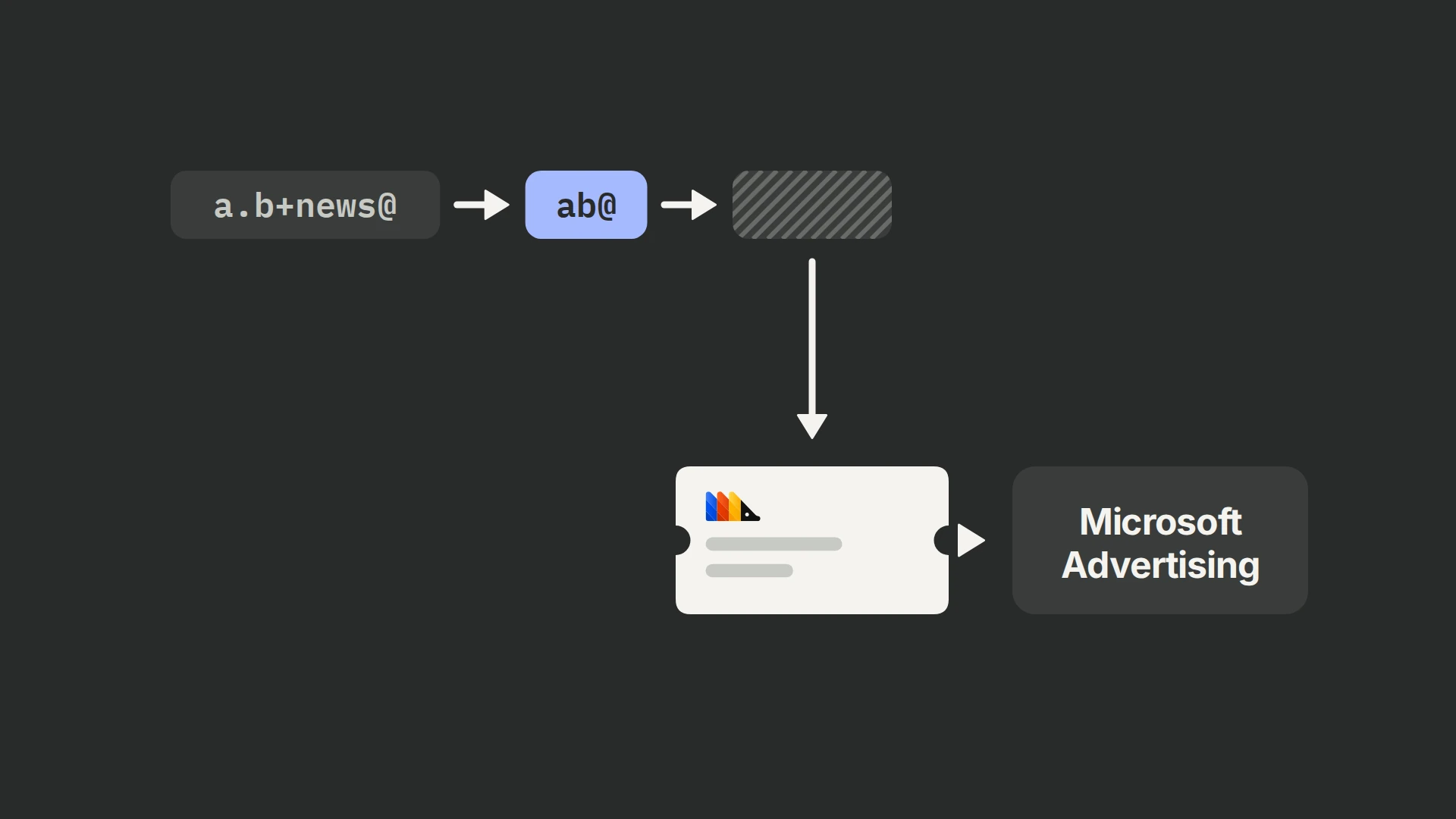
{not empty(trim(toString(event.properties.email ?? ''))) ? trim(toString(event.properties.email)) : (not empty(trim(toString(person.properties.email ?? ''))) ? trim(toString(person.properties.email)) : null)}Microsoft requires more than lowercasing and trimming email: remove dots from the local part and remove its +alias suffix before SHA-256 hashing. Apply those email rules across domains; the domain itself stays intact. Phone numbers must be in E.164 form with the country code and leading + before hashing. (+) The stock code omits those two local-part changes, so an address containing dots or an alias produces a different hash from the required prepared address.
Click Edit source code and replace the existing if (not empty(inputs.email)) block with:
if (not empty(inputs.email)) {
    let emailParts := splitByString('@', lower(trim(inputs.email)))
    if (length(emailParts) != 2) {
        print('Invalid email omitted')
    } else {
        let localPart := replaceAll(splitByString('+', emailParts[1])[1], '.', '')
        if (empty(localPart) or empty(emailParts[2])) {
            print('Invalid email omitted')
        } else {
            userData.em := sha256Hex(concat(localPart, '@', emailParts[2]))
        }
    }
}
An illustrative [email protected] becomes [email protected] before hashing. The edit logs and omits an email with a missing or repeated @, or an empty local part or domain. Correct it upstream; the conversion can still use a valid click ID or phone.
Replace the phone input with this guard. It accepts a stored international number without spaces or punctuation and otherwise tries the person’s number:
{match(toString(event.properties.phone ?? ''), '^[+][1-9][0-9]{6,14}$') ? toString(event.properties.phone) : (match(toString(person.properties.phone ?? ''), '^[+][1-9][0-9]{6,14}$') ? toString(person.properties.phone) : null)}The template skips the request and prints a message when it has no click ID, email or phone. Check that a succeeded run actually made a request. Microsoft supports further identifiers, but the stock template exposes only these three.
If you extend the destination to send visitor context, save that context before the backend conversion rather than sending the server’s IP.
Step 5: Set value, currency and conversion time
Microsoft’s customData.value is a decimal revenue amount in currency base units, with a three-letter ISO currency code. The timestamp is Unix UTC seconds within the last seven days. (+)
The template leaves Conversion value and Currency code blank. It converts a supplied value with toFloat and has no USD fallback. The default Event time is {toInt(toUnixTimestamp(event.timestamp))}. (+)
| PostHog field | Example mapping |
|---|---|
| Conversion value | {event.properties.revenue} |
| Currency code | {event.properties.currency} |
These examples assume revenue is the order’s base-unit total and currency is its actual currency. An illustrative 10.99 USD purchase should arrive as value: 10.99 and currency: "USD". Do not multiply the total by 100.
Configure the goal to use variable revenue when values differ by conversion. Revenue value is separate from eventValue, which a goal can use as a matching condition. Mapping revenue does not fill that condition.
Preserve the actual conversion time on delayed CRM or billing events. A receipt timestamp changes when Microsoft thinks the conversion happened; moving an old event to today is not a valid backfill.
Step 6: Share a conversion ID with UET
When UET and CAPI report the same conversion, use the same UET tag, event name and stable event ID. Pass the browser value as event_id and the server value as eventId. (+)
The default PostHog Event ID is {event.uuid}. (+) UET does not automatically know it. Create one conversion ID when the action happens, pass it to both integrations and replace the PostHog input with:
{event.properties.conversion_id}Use a different ID for each real conversion and reuse the original on retries. Check the ID actually sent by UET, alongside its event action and tag ID; matching property names in your code does not prove the outgoing values agree.
Step 7: Preview, send a controlled event and verify
PostHog’s test panel makes real HTTP requests by default. Open More and switch off Make real HTTP requests for the first run. Load a recent matching event and inspect the constructed request; a mocked call does not establish platform acceptance. (+ / +)
Inspect the tag ID, event name, normalized contact hashes, click ID, shared event ID, revenue, currency and seconds timestamp. Include a malformed email with a valid click ID or phone: the email should be omitted and logged while the request continues. With no remaining identifiers, it should print the existing skip message and make no request.
The stock template has no validation-only input. It sends one live event per request and raises an error for HTTP statuses of 400 or higher, but does not log successful response bodies. (+)
For third-party senders, Microsoft requires a request-level dataProvider identifying the integration; the stock request omits it. A 200 response can still contain validation warnings: Microsoft drops invalid optional fields and processes the event without them. (+)
For third-party delivery through this integration, add 'dataProvider': 'posthog', alongside 'data': [conversion] in the existing request body. To inspect warnings in a successful response during the test, temporarily add the line below after the existing response-error block. Remove it after checking the response; it is a diagnostic, not part of the conversion payload.
print(res.body)We ran the Hog examples in PostHog’s engine with sample events and mocked requests; we have not sent live conversions to Microsoft Advertising with this setup, so complete the controlled live check below.
Allow real HTTP requests for one controlled conversion. Inspect warning details rather than treating request success as proof that every matching field or currency survived.
| Outcome | What to inspect |
|---|---|
| Delivery | The actual HTTP request, PostHog destination logs and Microsoft’s response. Exclude skipped invocations and mocked previews. |
| Matching | The sent identifiers and any validation warnings. Check the original click ID and normalized contact hashes; request acceptance does not prove a user match. |
| Deduplication | For a controlled action reported by both paths, compare UET tag ID, event name and shared ID in the browser and server requests. |
| Attribution | The conversion goal and campaign conversion totals in Microsoft Advertising. Check goal conditions, event time and click context when accepted events produce no conversions. |
After the controlled event passes, click Create & enable and monitor subsequent requests. Use our conversion tracking audit to reconcile source, received and attributed totals.
Troubleshooting
| Symptom | What to check |
|---|---|
| No CAPI token option | Ask your Microsoft Advertising account manager about access; see the token setup. |
| 401 Unauthorized | Confirm that the token belongs to the UET tag in the request URL. |
| Succeeded run, no request | Inspect the skip log: the template sends nothing without a click ID, email or phone. |
| 200 response, but missing data | Inspect validation warnings. Invalid optional identifiers or currency can be removed while the event is accepted. |
| Events accepted, no goal conversion | Match Event name to the goal’s action and check additional category, label or event-value conditions. The stock template does not populate those fields. |
| Invalid msclkid | Use the guarded UUID mapping; do not send hyphens or <masked>. |
| Contact matching is weak | Apply Microsoft’s local-part email normalization and retain + in a valid E.164 phone number. Do not pre-hash these inputs. |
| Old event rejected | Check seconds versus milliseconds and the seven-day event-age limit. |
| Duplicate conversions | Compare UET tag, event action and shared IDs in the requests from both integrations. |
| Wrong revenue | Check source units, actual currency and the conversion goal’s revenue policy. |
Frequently asked questions
Can I send Microsoft conversions without msclkid?
Yes. The template also sends SHA-256 email or phone identifiers and skips only when all three inputs are empty. Supply a permitted, correctly normalized contact identifier when no click ID is available. (+)
Does this template support destination URL goals?
Does this also set up Microsoft dynamic remarketing?
No. Dynamic remarketing needs client-side ID Sync and additional audience data. ID Sync is also recommended for conversion measurement quality, especially when click IDs, hashed identifiers or browser context are incomplete. (+) This destination does not implement ID Sync or expose the corresponding anonymous ID. (+)
Does a PostHog test create a real Microsoft conversion?
It sends a live CAPI event when real HTTP requests are enabled; whether that event counts depends on the conversion goal and attribution. Switch off Make real HTTP requests for a preview, then follow the controlled test. (+ / +)