Switching to PostHog deletes nothing in GA4: the property and its standard reports stay readable after you remove the tag. To switch without losing data, keep GA4 running while you install PostHog, map the events and conversions you rely on, and compare both tools for two to four weeks. Make PostHog your main analytics once the reports and ad conversions you need work there.
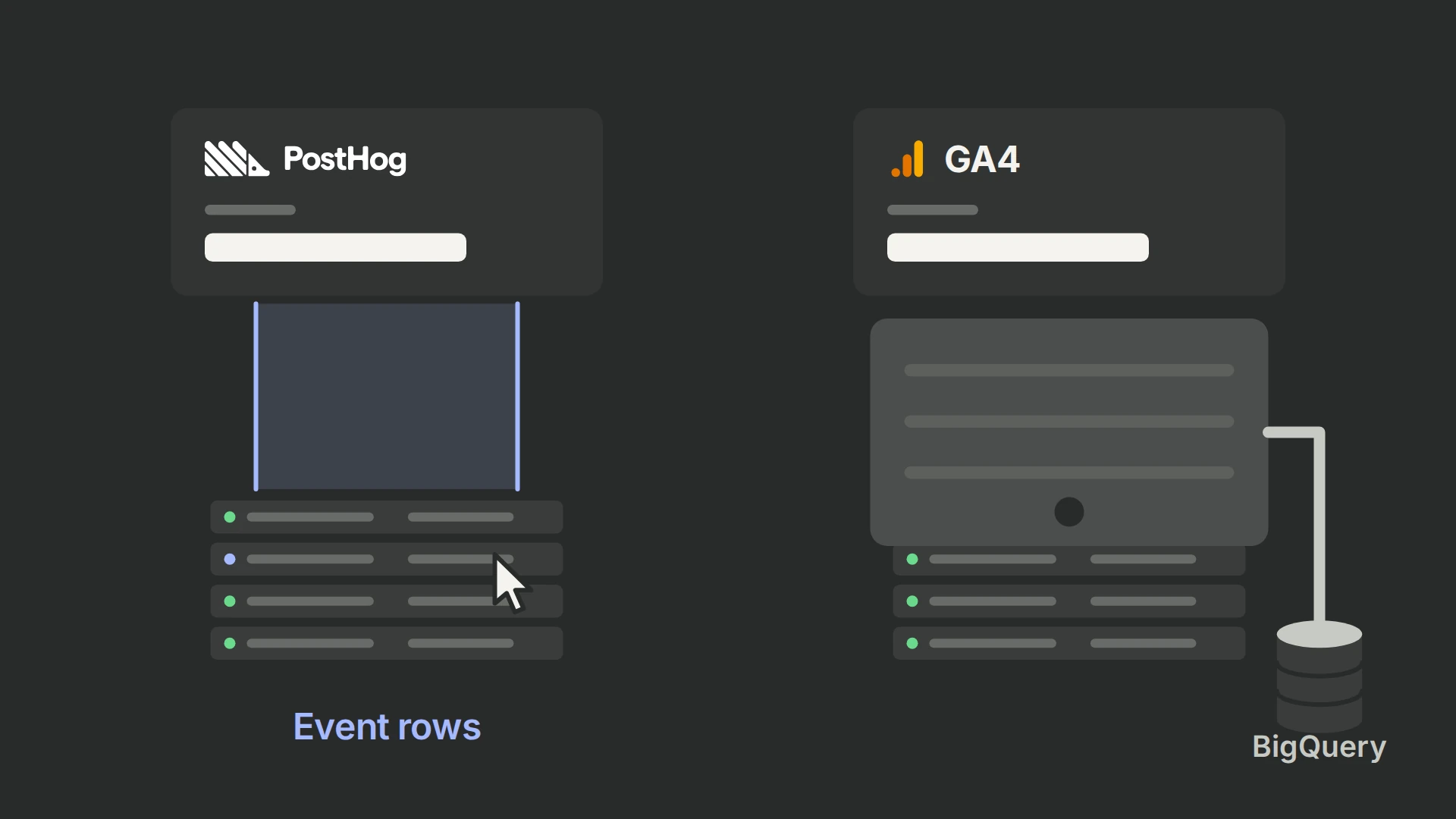
Raw history can move into PostHog only for the dates GA4’s BigQuery export already holds. The export starts when you link it: data arrives within 24 hours, and days the export missed are not re-exported later. (+ / +) If the export isn’t linked, link it today. Dates before the link stay in GA4’s reports.
We install PostHog for clients and run it on 99ways.io. The sections below follow the order that protects each kind of data: what to save in GA4, the parallel run, the event map, the history import, Google Ads and the switch.
What should I preserve before switching from GA4?
Three settings protect data from the first day. Make them before you change any tag:
- Link the BigQuery export. In GA4 Admin, open Product links → BigQuery links and link a Google Cloud project with billing enabled. (+) The free BigQuery sandbox deletes tables after 60 days. (+)
- Check the export cap. A standard property’s daily export is capped at 1 million events a day. If a property keeps exceeding it, Google pauses the daily export and doesn’t reprocess the missed days. Streaming export has no event limit and costs an extra $0.05 per gigabyte, roughly 600,000 events. (+ / +)
- Raise event-data retention to 14 months. Explorations and funnel reports keep event-level data only for the retention period; standard reports aren’t affected. Raising it also applies to data not yet deleted. (+)
Then list what depends on GA4 and decide, for each item, whether PostHog replaces it, GA4 keeps it or it retires:
- Collection: the GA4 property, its data streams and every sender, including Google Tag Manager containers and server-side tags, with the person who can change each.
- Key events: each key event’s trigger, counting rule, value, currency and transaction ID.
- Reports: the metrics, filters, attribution settings, time zone and conversion windows behind the reports people use. Export the explorations you will need later.
- Google Ads: conversion actions imported from GA4 key events, audiences shared for remarketing and reports that rely on the Ads link.
- Other Google links: Search Console reports, Google signals demographics and anything else that exists only because GA4 is linked.
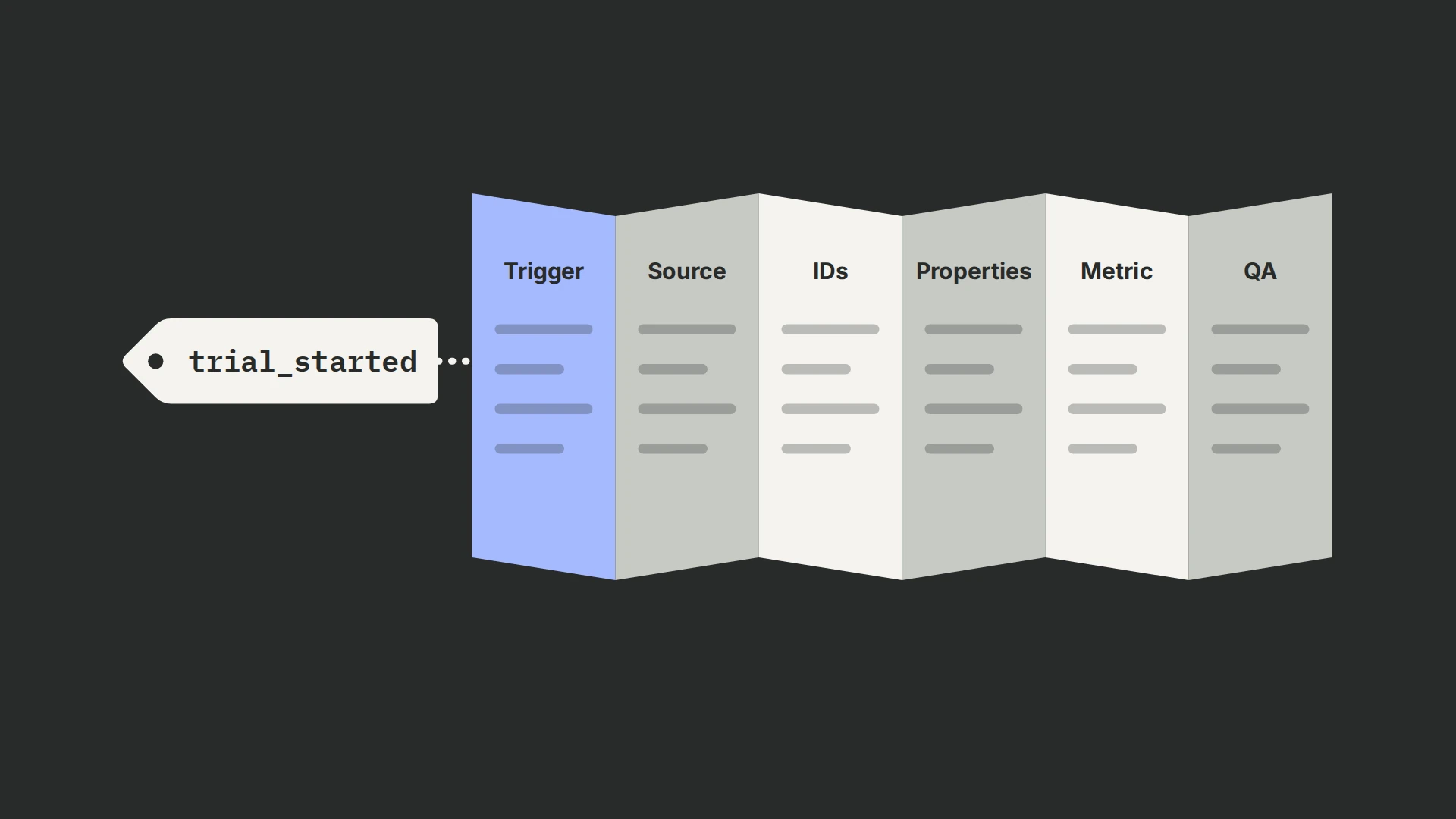
Use an event tracking plan for the event and metric definitions. A named owner and a decision beside each item stop a removed tag from silently taking a bidding input or a management metric with it.
How do I install PostHog while keeping GA4 running?
Add PostHog alongside GA4 and leave GA4’s collection untouched until the switch. Create a project your company owns, in the region where your data must live, with the account setup guide, then choose one installation path for each surface:
- Shopify: follow the storefront and checkout installation, and check that the checkout outcome joins the visitor who started the journey.
- WordPress: use the WordPress installation, and check for an existing plugin, tag-manager or theme copy before adding another.
- ClickFunnels: use the funnel installation, and check every published step, including pages on another domain.
- Google Tag Manager: if GA4 runs through a container, you can add the PostHog snippet as a Custom HTML tag on all pages and capture custom events from tags fired by the triggers you already use. (+)
Follow a permitted test journey from the landing page to a completed action. In PostHog Activity, inspect the pageviews, event properties, visitor identity and outcome; repeat a refresh and a failed action to look for duplicate or premature conversions.
Apply the internal-user rules to the reports you will compare, and keep the UTM naming convention on campaign links. Test consent accepted, refused and withdrawn before sending customer traffic through the new setup.
How do I map GA4 events and conversions to PostHog?
Map the meaning and trigger of each event, then choose its PostHog name and properties. Recreate the business metric from that definition; copying the event label alone does not preserve the conversion.
| GA4 input | PostHog mapping | What to verify |
|---|---|---|
page_view | $pageview | URL and timestamp represent the viewed page, without duplicate collection. |
sign_up | A named signup-completion event | Account creation succeeded, and the anonymous journey links to the stable customer ID. |
purchase | One authoritative purchase event | Payment or order state, transaction ID, numeric value and currency follow the agreed definition. |
| Lead key event | A named accepted- or qualified-lead event | The trigger distinguishes a button click, an accepted form and later qualification. |
These are mapping examples, not PostHog default business-event names. PostHog’s migration procedure maps GA4 page_view to $pageview, converts timestamps, and translates nested GA4 fields into event and person properties. (+)
For every important metric, test the numerator and denominator: purchases per eligible visitor is different from purchase-event count. Keep the conversion window, time zone, refunds and test exclusions explicit, then rebuild the reports from that contract.
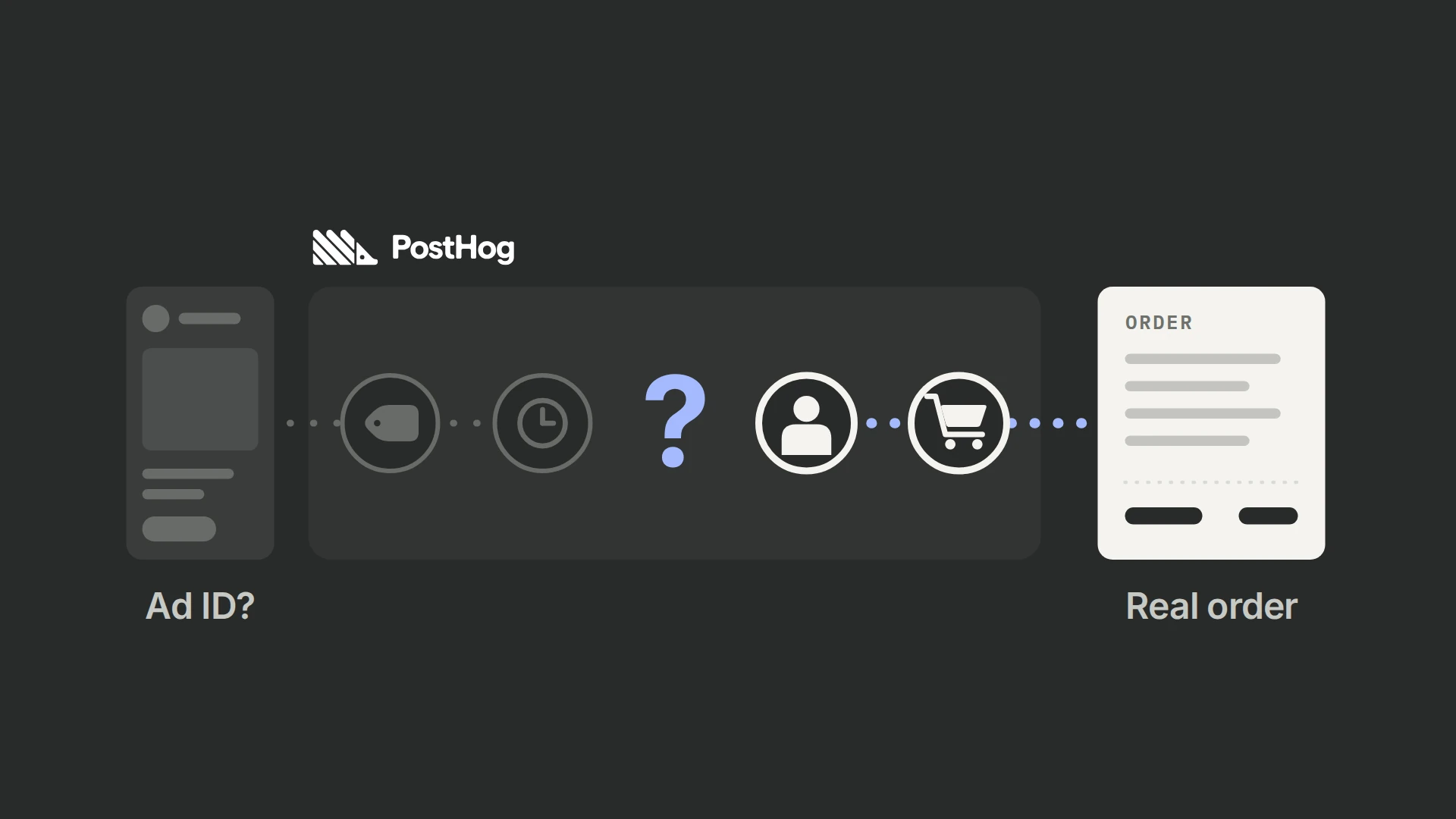
Agree how historical GA4 identifiers relate to the IDs used by the live installation. Keep the original GA4 ID as provenance; use a stable internal customer ID for a known-person join only when your records establish the relationship. Do not manufacture a cross-tool identity from a similar timestamp or purchase value.
Why will GA4 and PostHog counts differ during the overlap?
Expect PostHog to record more pageviews and visitors than GA4. Almost every ad blocker blocks Google Analytics, while PostHog’s requests are not always blocked. (+) Where Consent Mode is on, GA4 can add modeled activity for visitors who refused consent; PostHog counts only the events it collects. The GA4 comparison explains that modeling. Compare like with like:
- Collection: compare the same live pages, dates, consent states and device segments; inspect missing and duplicated events before interpreting a percentage gap.
- People and sessions: compare the identity unit and session rules rather than assuming a visitor in one report equals a user in another.
- Filtering: align internal and test exclusions, then investigate whether bot treatment explains a particular segment.
- Conversions: match unique transaction or lead IDs against the system that owns the outcome, then compare values and timing.
A reverse proxy sends PostHog’s requests through your own subdomain, which ad blockers block less often. PostHog says it typically raises event capture by 10–30%, and its managed proxy is free on PostHog Cloud. (+) Keep the same consent rules on that route. A proxy narrows the collection gap; it doesn’t make identity or reporting definitions identical.
Plan for two to four weeks of parallel collection, longer if purchases or qualified leads take longer to arrive. Use the PostHog audit to explain gaps by source and journey; a stable overall total can hide a missing checkout path.
How do I bring GA4 history into PostHog?
Import the raw GA4 event rows from BigQuery, converted to PostHog’s schema, with historical migration turned on. The import needs PostHog’s pay-as-you-go plan, which has no base fee; imported events aren’t billed. (+ / +)
- Find the dates you have. Query the earliest and latest daily tables and the streams they cover. That range is the history you can import; earlier dates stay in GA4’s reports. If the export isn’t linked yet, link it now: its history starts that day.
- Use the daily tables. Allow for late-arriving events. Streaming export is best effort, and Google recommends daily tables for user-attribution data. (+)
- Convert a sample. Apply the event map, flatten the nested fields you need, and carry the IDs, source fields, values and currencies your metrics use. Keep the raw rows.
- Import into a separate validation project first. Use the Python SDK with
historical_migration=True, the project token and the regional host. (+) Check event names, dates, property types and customer joins before importing the full range. - Set the boundary before the full import. Import only events from before live PostHog collection started, and at least 48 hours old. PostHog can’t delete imported events afterward, so exclude the overlap before sending, and record each processed date range so a retry doesn’t send the same days twice. (+)
- Reconcile. Compare imported rows and unique business IDs with the export by day and event, in one time zone: GA4’s
event_datefollows the property’s time zone, whileevent_timestampis in UTC. (+)
PostHog’s example import script is a starting point. (+) Change four things before you run it on a real property:
- Timestamps: GA4’s
event_timestampcounts microseconds in UTC. Convert it as UTC; the example uses the machine’s local time zone, which shifts every event on a server not set to UTC. - Ecommerce items: GA4 stores
itemsas records with fields such asitem_id,item_nameandprice. Map those fields explicitly; the example reads them as key-value pairs, which breaks on item records. - Engagement events: GA4 sends
user_engagementwhen a page has been in focus for at least a second. (+) Don’t map it to$autocaptureas the example does; those events aren’t interactions. - Sessions and channels: set
$session_idas a UUIDv7 that follows PostHog’s rules, and carry the UTM and referrer fields. Without them, imported dates appear in trends and funnels but can’t be grouped into sessions or channels. (+)
Google’s export holds the raw events GA4 received; the GA4 interface can apply processing the export doesn’t contain. (+) Importing event rows doesn’t bring the old dashboards, key-event settings or modeled values, so keep the GA4 reports you need as an archive.
Can PostHog replace GA4 for Google Ads?
Partly. GA4 does three jobs for Google Ads, and each needs its own replacement:
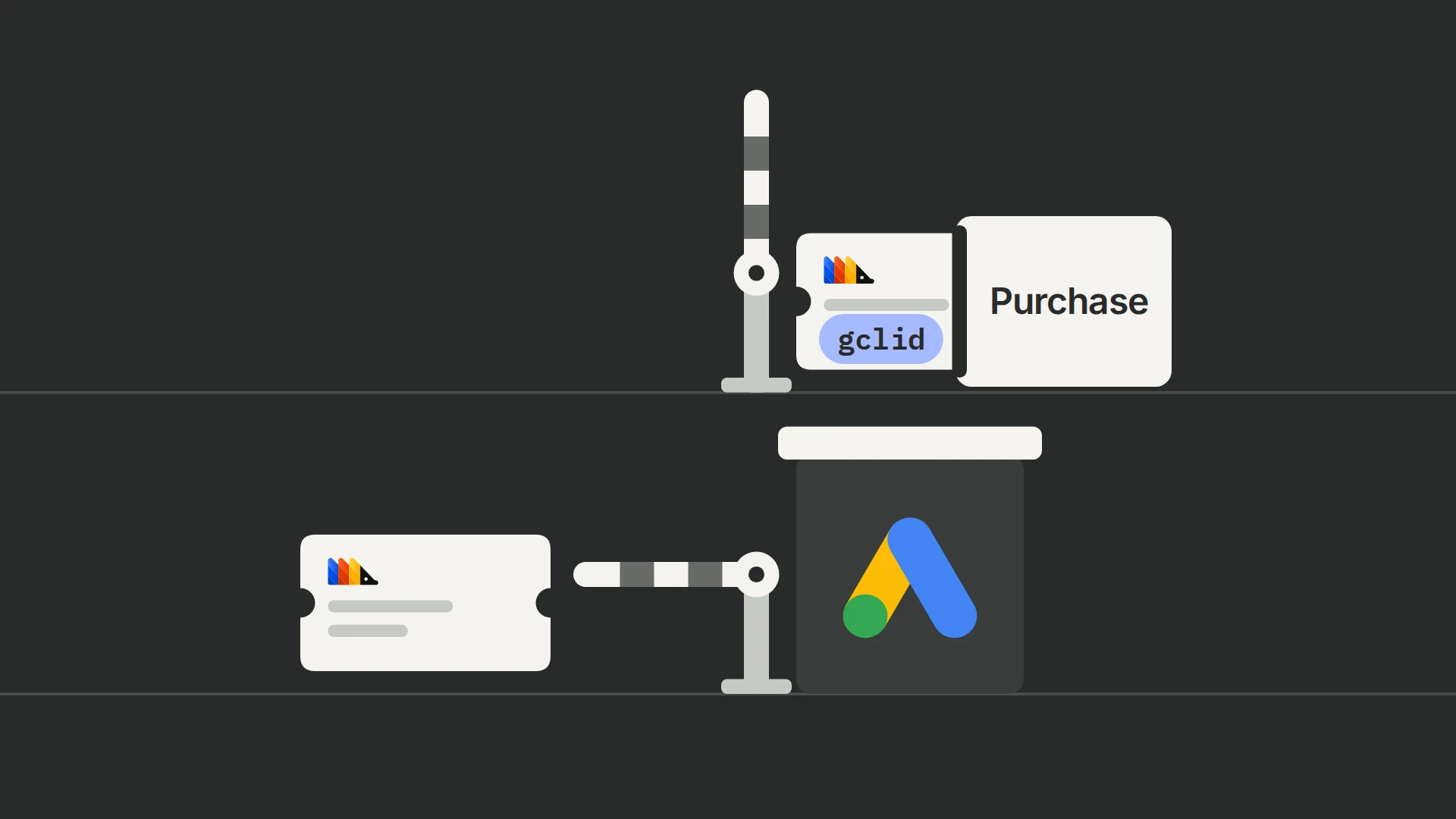
- Conversions for bidding. Conversions imported from GA4 key events stop when GA4 stops collecting. (+) For purchases and leads completed in the same visit, replace them with a Google tag conversion action, which doesn’t need GA4. PostHog’s Google Ads destination suits outcomes that come at least six hours after the click, such as qualified leads, trials that convert to paid and renewals. It needs the click ID or hashed contact details, and it is experimental, without official support. (+) Our Google Ads conversion guide covers its setup and the six-hour limit.
- Campaign reporting. PostHog can’t use Google Ads auto-tagging for attribution, so add UTM parameters with a tracking template. (+) PostHog’s Marketing Analytics, an opt-in beta, can bring ad costs into the same reports. (+)
- Audiences and Ads-linked reports. Remarketing audiences built in GA4 and reports that depend on the Ads link stay in GA4. Keep GA4 running for them while you use them.
Don’t send the same conversion through two uncoordinated paths, and never send imported historical purchases as new ad conversions. Record which sender owns each conversion action, and move bidding to a new action only after it records conversions you can match to orders. Our ad-conversion overview compares the senders.
When is it safe to make PostHog the main analytics system?
Make PostHog the default only when the required events and reports work, historical coverage is documented, count differences are explained, and every Google Ads job has a verified replacement. Agree those conditions before choosing a switch date.
- Trace a real outcome from the payment or CRM record back to its PostHog event, customer and acquisition context.
- Rebuild the reports people actually use, with the agreed filters, definitions and conversion windows.
- Document the imported range, live-collection boundary and any history that remains only in GA4 or the archive.
- Get the report and advertising owners to confirm their replacements work.
- Record the tags that can stop, the GA4 functions that stay, and how to restore collection if a gap appears.
Keep access to the GA4 property and raw exports after the switch. Remove only collection paths whose dependencies have been replaced, and review the first full reporting period in PostHog against the same business-system records.
Frequently asked questions
How long should I run GA4 and PostHog together?
Plan for two to four weeks of comparable live collection, then extend the overlap if the relevant purchases, renewals or qualified leads have not matured. Finish when you can explain the differences and reproduce the required business reports, rather than when the totals happen to match.
Will I lose my GA4 data if I remove its tracking tag?
No. Removing the tag stops new collection; the GA4 property, its standard reports and your BigQuery export stay. Explorations and funnel reports keep event-level data only for the retention period, so set event-data retention to 14 months before you stop collecting, and export the explorations you will need. (+)
Can I bring all my old GA4 history into PostHog?
Only the dates your BigQuery export already holds. The export starts on the day you link it, and Google doesn’t re-export earlier or missed days, so history from before the link stays in GA4’s reports. (+ / +) Keep those reports as an archive, and record the date from which PostHog holds detailed history.
Can I use PostHog instead of GA4 to send Google Ads conversions?
Partly. PostHog’s experimental Google Ads destination can send conversions that happen at least six hours after the ad click, such as qualified leads or renewals, when the event carries the click ID or hashed contact details. (+) For purchases completed in the same visit, use a Google tag conversion action instead. Our Google Ads conversion guide covers both routes.
How should I handle consent during the migration?
Keep each tool’s permissions explicit, including session replay and advertising destinations. Don’t make the PostHog snippet wait for consent, which PostHog calls a common mistake: connect its opt-in and opt-out controls to your consent manager, and test that refused or withdrawn consent stops the intended capture. If your privacy policy allows cookieless counting, cookieless_mode: "on_reject" counts visitors who refuse with a privacy-preserving hash and stores cookies only after opt-in. (+) A proxy changes the request route; it doesn’t change the permission to collect or share data.
What does migrating from GA4 to PostHog cost?
Budget for the event mapping and installation, the history conversion and import, Google Cloud usage and ongoing PostHog usage. PostHog’s free plan includes 1 million analytics events a month but only one project and one year of data retention; the import needs the pay-as-you-go plan, which has no base fee, and imported events aren’t billed. (+ / +) BigQuery storage and queries add charges. (+) PostHog’s own engineers also sell managed migrations, quoted per milestone with a $5,000 minimum in November 2026. (+)
Should I use PostHog Cloud or self-host for this migration?
Use PostHog Cloud, in its US or EU region, for the documented GA4 route unless you have a specific infrastructure requirement and a team to own it. (+) PostHog’s self-hosted deployment is unsupported; you maintain the infrastructure, upgrades and recovery yourself. (+) Treat a self-hosted import as a separately validated project rather than assuming the Cloud procedure applies unchanged.
Will imported GA4 users automatically join their new PostHog history?
Not for anonymous visitors: GA4’s client ID isn’t PostHog’s anonymous ID, so imported and new anonymous activity stay separate. Known customers join only if you import their events with the same ID you pass to identify in the live setup. (+) Test one known customer across an imported event and a new outcome before importing the full range.