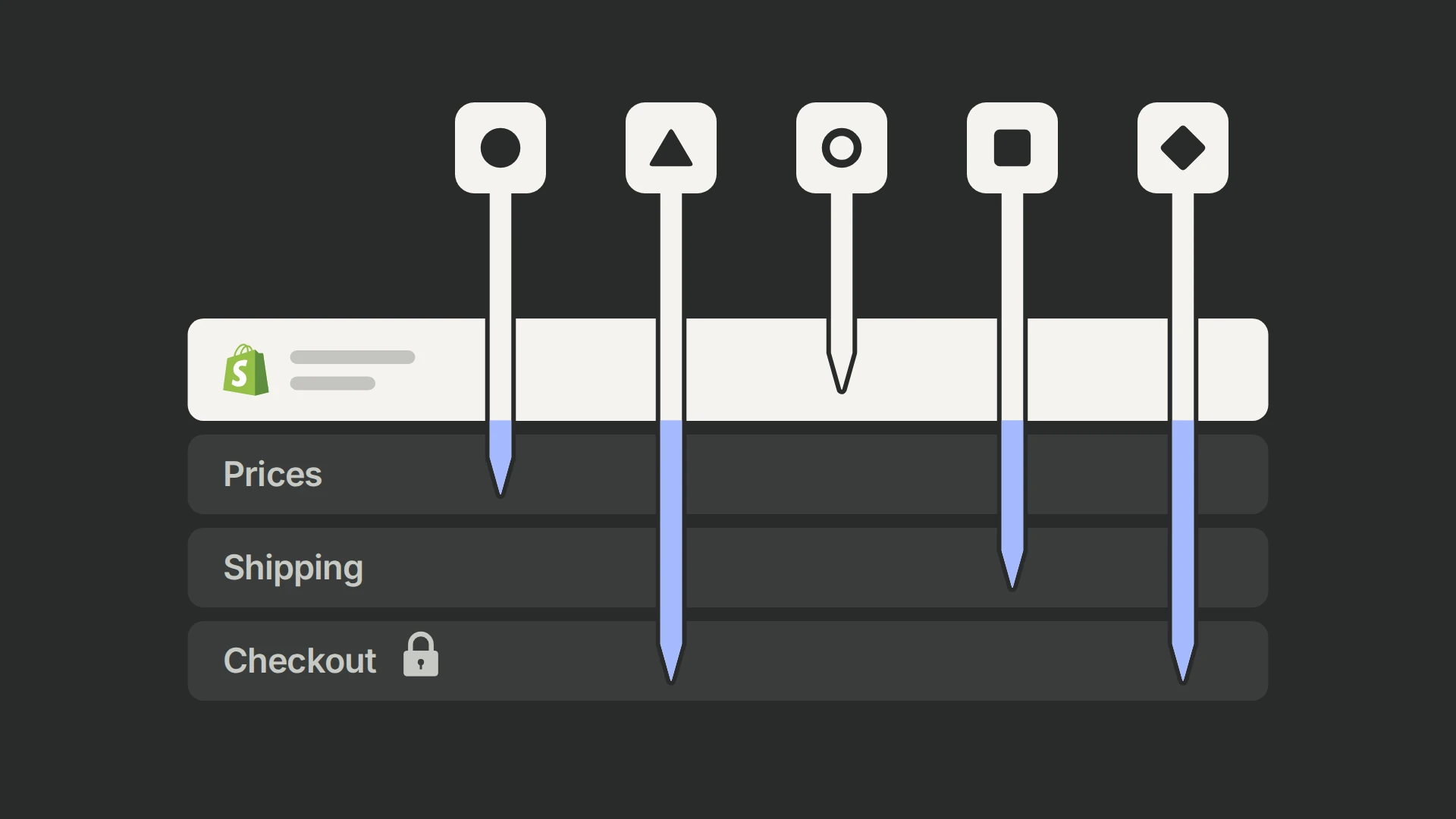
Choose by what you need to test and by the result that will decide it. If your tests are theme and page changes judged on conversion rate, start with Shopify Rollouts, which comes with the Grow plan and above. (+) If the decision depends on revenue or profit per visitor, or you need to test prices, shipping or checkout, you need an app. Elevate is the least expensive route to price and shipping tests at around 1,000 orders a month, Intelligems goes deepest on pricing, offers and post-purchase, ABConvert adds offer tests, checkout delivery and payment tests on any plan and frequentist decisions at a fixed end date, and Shoplift suits template tests built in the theme editor. PostHog fits when a developer builds each test and you want its result, funnels and recordings in one analytics project.
Our own tests ran in PostHog, about 40 of them, and ABConvert, about ten, for one Shopify home-decor store over 18 months. 99Ways implements PostHog for clients, which is why that store’s program runs in it. What we say about Elevate, Shoplift, Intelligems and Rollouts comes from their own documentation. Elevate lists 99Ways in its partner directory; it doesn’t pay us in any way.
Which Shopify A/B testing tool fits your test?
Start from the test you need to run, then check the metric that will decide it and your Shopify plan.
| If you need to | Consider | Why |
|---|---|---|
| Test theme or page changes and judge them on conversion rate | Shopify Rollouts | Included on Grow and above; visitors are assigned before the page loads; no revenue per visitor |
| Test themes, templates, prices and shipping on revenue or profit per visitor, at a low price | Elevate | Price and shipping tests from $99 a month, priced by sitewide orders; up to five versions per test |
| Build template tests in the Shopify theme editor | Shoplift | No code for template tests; staged verdicts; two versions per test; priced by sitewide visitors |
| Make prices, offers, shipping and post-purchase the core of the program | Intelligems | Gross profit per visitor; discounts and gifts; price tests built by its team |
| Decide at a fixed end date with frequentist statistics, with offer tests and checkout delivery and payment tests on any plan | ABConvert | 95% confidence decides at the planned end; priced by the orders from visitors in tests; Built for Shopify badge |
| Keep each test’s result, funnels and recordings in one analytics project | PostHog | Any change a developer can code in the theme; free within its monthly allowances; no built-in price, shipping or checkout tests |
What can each tool test?
Prices, shipping and checkout separate the tools, because Shopify limits what an app may change there. Overriding a cart line’s price directly is limited to Shopify Plus, (+) shipping-rate tests need carrier-calculated rates, which come with the Advanced and Plus plans, with annual billing on other plans, or as an add-on, (+) and checkout content changes need Plus. (+)
| Test type | Elevate | Shoplift | Intelligems | ABConvert | Shopify Rollouts | PostHog |
|---|---|---|---|---|---|---|
| Themes and templates | Yes, on every plan | Yes, built in the theme editor | Yes | Yes | Edit or replace the main theme; no Liquid template changes (+) | Any change coded in the theme |
| Split URL and landing pages | Yes | Yes | Yes | Yes | No | Coded |
| Prices | On the existing product, on any Shopify plan, from the Standard plan (+) | Advanced plan; raises the catalog to the highest test price; single currency only (+) | Built by its team; catalog set to the highest price and lowered in the cart by a Shopify Function, on any plan (+) | Growth plan; Shopify Functions; below Plus, automatic discounts don’t apply to tested variants (+) | Publish or withdraw a Markets catalog’s prices (+) | Not built in |
| Shipping | Needs carrier-calculated rates | Only through its JavaScript API and your own Shopify Function | Free-shipping tests on any plan; rate tests need Advanced or Plus (+) | Needs carrier-calculated rates | No | No |
| Offers and discounts | Discounts stack on test prices; no offer test type | Codes through template tests; automatic discounts need developer setup | Discounts, gifts, quantity breaks and upsells | Amount off, volume discounts and free gifts (+) | Activate or deactivate discounts | Coded |
| Checkout | Shopify Plus | No | Shopify Plus; post-purchase on any plan (+) | Delivery and payment changes on any plan; content, cart and upsell changes on Plus (+) | Checkout and accounts configuration | No: checkout runs no theme JavaScript (+) |
| Versions per test | Up to 5 | 2 | Up to 5 | Several | 2 | Several |
| Consent | Sets its identifiers before consent by default; an opt-in setting reads Shopify’s Customer Privacy API (+) | Uses Shopify’s Customer Privacy API by default and collects nothing from visitors who decline (+) | Not documented | Left to your cookie notice (+) | Assigns every visitor and counts only those who consent (+) | Up to your implementation; our guide waits for analytics consent |
How does each tool decide a winner?
Elevate, Shoplift, Intelligems and PostHog’s default engine are Bayesian: they report the probability that a version beats control. ABConvert is frequentist, and Shopify doesn’t document how Rollouts decides. In every one of them, a test read every day and stopped at the first “winner” crowns false winners far more often than its threshold suggests. When we simulated tests in which nothing changed, using Elevate’s defaults checked daily and acted on at the first significant status, the variant was crowned about a third of the time; our Elevate review shows the settings to change. PostHog shows results after 50 exposures and 5 conversions with no minimum duration, so the same discipline applies there: set the run length before you start.
| Tool | Method | Default decision | Minimums or guidance |
|---|---|---|---|
| Elevate | Bayesian | Winner at a 90% probability to win, adjustable from 80% to 99% | 500 visitors, 20 conversions and 3 days by default; 2,500 visitors and 100 conversions for stores with more than $100,000 of revenue a month (+) |
| Shoplift | Bayesian | Staged verdicts once the probability to win holds for several days; no thresholds published (+) | At least 10,000 visitors per version and 14 days, as guidance (+) |
| Intelligems | Bayesian | No fixed threshold; Intelligems advises against deciding below 75% and says many customers look for about 90% (+) | 300 or more orders per group and 7 or more days, because its model doesn’t account for day-of-week patterns (+) |
| ABConvert | Frequentist | Significant at 95% confidence, decided at the planned end date (+) | At least one business cycle, usually 1–2 weeks, and about 100 orders per group (+) |
| Shopify Rollouts | Not documented | Fixed metrics, with no device or country filter (+) | — |
| PostHog | Bayesian by default; frequentist with optional sequential testing (+) | 95% by default; 90%, 95% or 99% | 50 exposures and 5 conversions per version before results show; no minimum duration (+) |
On the store we test for, a variant ships at a 90% or higher chance to beat control on revenue per visitor; our Shopify CRO guide explains that trade-off.
Which result should decide a Shopify test?
Revenue per visitor, or profit per visitor when prices, discounts or shipping change. Conversion rate alone misleads: a higher price can lower conversion and still raise revenue, and a change that makes adding to cart easier can lift add-to-cart without lifting orders, as our Shopify CRO guide shows from the store’s own tests.
Elevate, Intelligems and ABConvert report revenue and profit per visitor; profit needs your product costs. (+ / + / +) Shoplift reports revenue per visitor but not profit. (+) Rollouts reports conversion, bounce, reached-checkout and add-to-cart rates in an experiment, with no revenue per visitor, so it can’t decide a price test on revenue. (+) PostHog decides on the metric you define, such as revenue per visitor from your purchase events; our guide to A/B testing metrics explains how to choose one.
What does each tool cost?
At monthly billing in November 2026, for two store sizes:
| Store | Elevate | Shoplift | Intelligems | ABConvert | Shopify Rollouts | PostHog |
|---|---|---|---|---|---|---|
| About 1,000 orders and 50,000 visitors a month | $49 (Basic); $99 with price tests (Standard) | $99 (Core); $399 with price tests (Advanced) | $69 (Smart Content); about $331 with one price test a month, or $349 with every module; price testing has a three-month minimum | $99 (Starter); $199 with price tests (Growth) | Included on Grow and above | Free within 1 million flag requests and 1 million events a month; recordings have their own allowance |
| About 5,000 orders and 200,000 visitors a month | $149 (Basic); $249 with price tests (Standard) | $599 (Advanced; Core stops at 100,000 visitors) | $349 (Smart Content); about $777 with price tests, or $999 with every module | $199 (Growth), while no more than 5,000 orders come from visitors in tests | Included on Grow and above | Depends on page views; above the free million, $0.0001 per flag request |
The tools charge by different units: sitewide orders for Elevate and Intelligems, sitewide visitors for Shoplift, the orders placed by visitors in tests for ABConvert, and flag requests and events for PostHog. Elevate’s multi-currency price tests need Premium at $499. Annual billing lowers the app prices, by 40% for Elevate, 20% for Intelligems and about a quarter for Shoplift and ABConvert, and Elevate, Shoplift and ABConvert offer 14-day free trials; Intelligems’ trial covers every module except price testing. (+ / + / + / + / +) PostHog requests flags each time its library loads, which on a Shopify theme is every page view. (+) Its larger cost is the developer time each test needs.
What did running Shopify tests in PostHog and ABConvert teach us?
Most of what goes wrong in a Shopify test happens outside the statistics. These checks come from the experiment program we run with a Shopify home-decor store, about 40 tests in PostHog and ten in ABConvert:
- Check what counts as a conversion. Like most tools here, ABConvert credits a version with every later order from its visitors, whatever they bought; Elevate does the same. (+) That suits a page test. For product tests that sent visitors to cloned products through ABConvert’s URL-redirect tests, we needed orders that contained the tested product, so we kept ABConvert’s visitor counts and counted those orders from Shopify’s order data, inside the test’s active periods, with revenue from Shopify’s net sales for that product.
- Keep each visitor in one version through checkout. Our early PostHog tests bucketed visitors by their PostHog ID, and identifying the buyer at checkout gave many of them a new one. In one test, about a fifth of buyers had seen both versions. Later tests bucket by device.
- Check when a visitor counts as exposed. Counting visitors only once the tested section came into view counted about 41% of mobile and 29% of desktop product-page visitors, and a third of the test’s first buyers. We now assign on page load and record a separate event when the section is reached, so both readings exist. Shoplift’s price tests include only visitors who saw a tested price, (+) which is a defensible design as long as you know it.
- Check who is in the test. Automated scanners loading pages in in-app browsers were about three-quarters of one PostHog test’s exposed visitors on its launch day, despite the store’s filters on page views. They never added to cart and diluted the results. Check their share in each version: equal allocation doesn’t mean equal contamination. Rollouts says it doesn’t count bot traffic. (+)
- Read the result by device, and check each device’s version. A product-gallery test changed desktop and mobile differently, a large image grid on desktop and a swipe carousel on mobile, and ended with a significant uplift on mobile and none on desktop, so only the mobile version shipped. Its desktop version had also broken the first image in about 16% of cold loads, because the theme’s lazy loader rewrote the image’s address first; we found that eight days into the run. Load each version fresh, on real devices, before launch, and make sure your tool splits results by device; Rollouts can’t.
- Keep test themes in step with the live theme. A test theme copied from the live one misses every edit made to live afterwards, such as sale banners, settings and new apps. Before publishing a winning theme, carry those edits across, or the launch quietly reverts them.
- Remove test code when a test ends. We rebuild a winner into the theme and remove its test code; code from the store’s early tests was still in ten templates a year later, two of them still calling an old flag.
When is PostHog the right tool for Shopify tests?
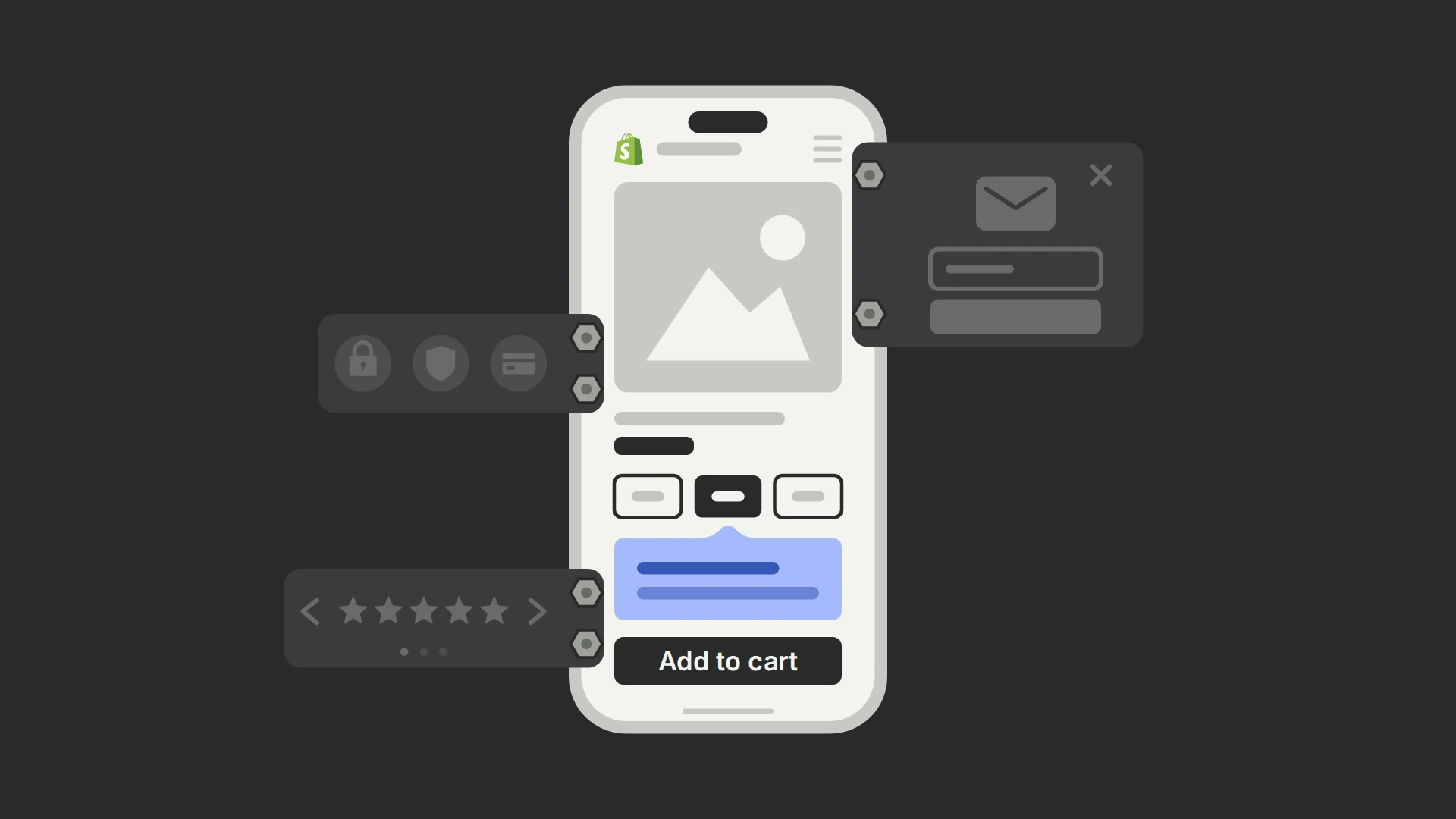
When someone can build each variant in your theme and you want the result in the same analytics project as everything else. A PostHog experiment on Shopify is theme code behind a feature flag. You can test any storefront change, open the funnels and recordings of each version, and decide on a metric you define, such as revenue per visitor from your purchase events. Our PostHog Shopify testing guide covers the setup.
It is the wrong tool when nobody can write theme code, or when prices, shipping or checkout are what you need to test. PostHog has no built-in price, shipping or checkout tests, and Shopify’s checkout runs no theme JavaScript, so purchases reach PostHog through a custom web pixel. (+) Its no-code experiments handle only simple text, style and HTML changes, (+) and on a theme the control shows until the flag arrives, so our guide hides the treatment until then and a treatment can appear a moment late.
Set PostHog’s feature-flag billing limit above the page views a test will see: at the limit, flags return a default response and visitors stop getting variants. (+)
Who should choose each tool?
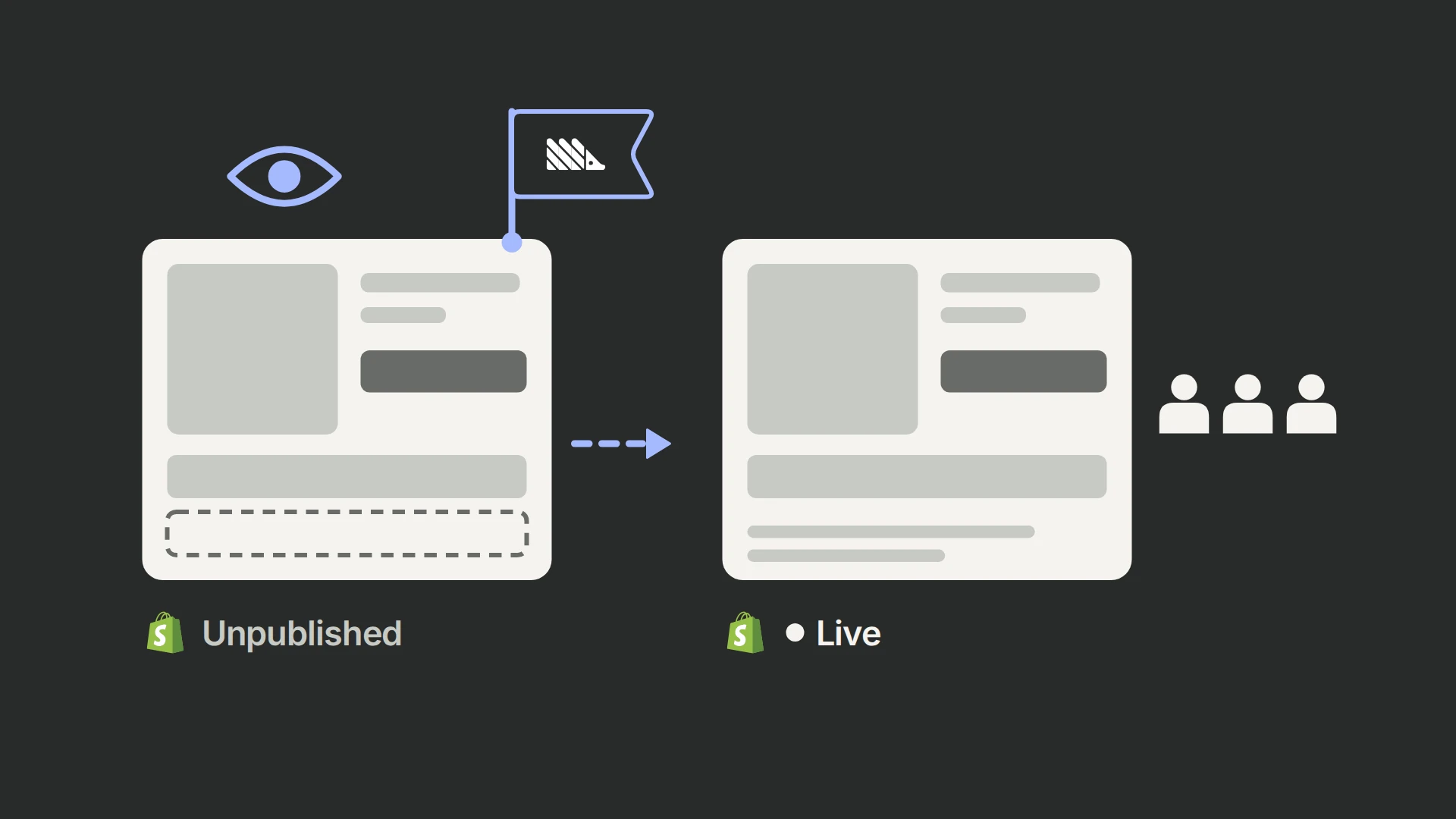
- Start with Shopify Rollouts if you’re on the Grow plan or above and want to test theme changes against conversion rate. Nothing flickers, because visitors are assigned before the page loads. It can also switch catalog prices and discounts, but without revenue per visitor it can’t tell you whether a price change paid; it can’t be filtered by device, compares two versions, and your theme and apps can’t read which version a visitor saw. (+ / +)
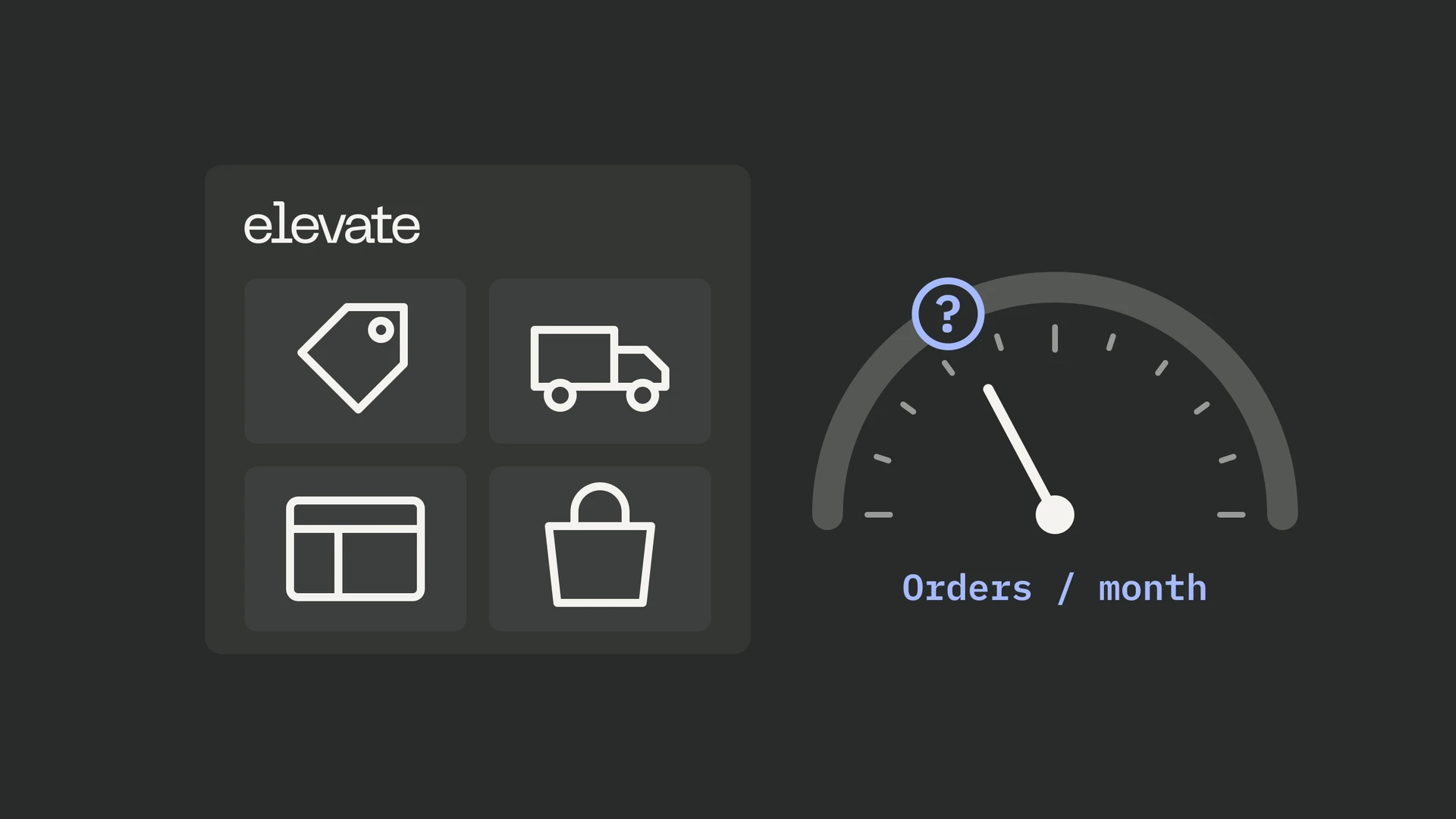
- Choose Elevate if you want price and shipping tests at a low price alongside theme, template, split-URL and product tests, with checkout tests on Plus, all judged on revenue or profit per visitor. Set its statistics before trusting a result, and check its consent setting: by default it sets its identifiers before a visitor makes a consent choice. (+ / +) Our Elevate review goes deeper.
- Choose Shoplift if your program is mostly theme and template tests built in the Shopify theme editor, and you prefer staged verdicts to a single threshold. It compares two versions at a time and has no checkout tests, and price tests start at $399 a month on Advanced and work in a single currency only. (+ / +)
- Choose Intelligems if prices, offers, shipping and post-purchase are the core of your program and you want gross profit per visitor. Its team builds the price-test integration for your store, price testing has a three-month minimum, and checkout tests need Shopify Plus. (+ / +)
- Choose ABConvert if you want frequentist decisions at a fixed end date, offer tests, checkout delivery and payment tests on any plan, pricing that follows the orders inside your tests, and Shopify’s Built for Shopify badge. (+ / + / + / +) Below Plus, automatic discounts don’t apply to tested variants in its price tests. (+)
- Choose PostHog if a developer or an agency builds your tests and you want each result in the same place as your funnels, recordings and other experiments. It has no built-in price, shipping or checkout tests, and each test needs developer time. We implement it for clients.
Frequently asked questions
Is Shopify Rollouts enough for A/B testing?
For theme tests judged on conversion rate, yes, and it costs nothing extra on the Grow plan and above. It can switch catalog prices and discounts too, but without revenue per visitor it can’t tell you whether a price change paid. It also falls short when you need results by device, more than two versions, or shipping or checkout-content tests. (+ / + / +)
Can you A/B test prices on Shopify without duplicate products?
Yes. Elevate changes the price on the existing product on any Shopify plan, ABConvert applies test prices with Shopify Functions, and Shoplift and Intelligems raise the catalog to the highest test price and lower it in the cart with a Shopify Function. (+ / + / + / +) Shopify limits direct price overrides in the cart to Plus stores, so check how a tool handles your plan. (+)
Do you need Shopify Plus to A/B test checkout?
Do A/B testing apps slow down a Shopify store?
A little. Elevate and Intelligems hold rendering until their scripts run, and Elevate states a 1–2 point drop in page-speed scores; Shoplift hides tested pages briefly, typically for about 150 milliseconds; ABConvert publishes no figure; Rollouts assigns visitors before the page loads; and a PostHog test shows control until its flag arrives. (+ / + / + / +) Measure the cost on your own store, with and without the tool.
How much traffic do you need to A/B test on Shopify?
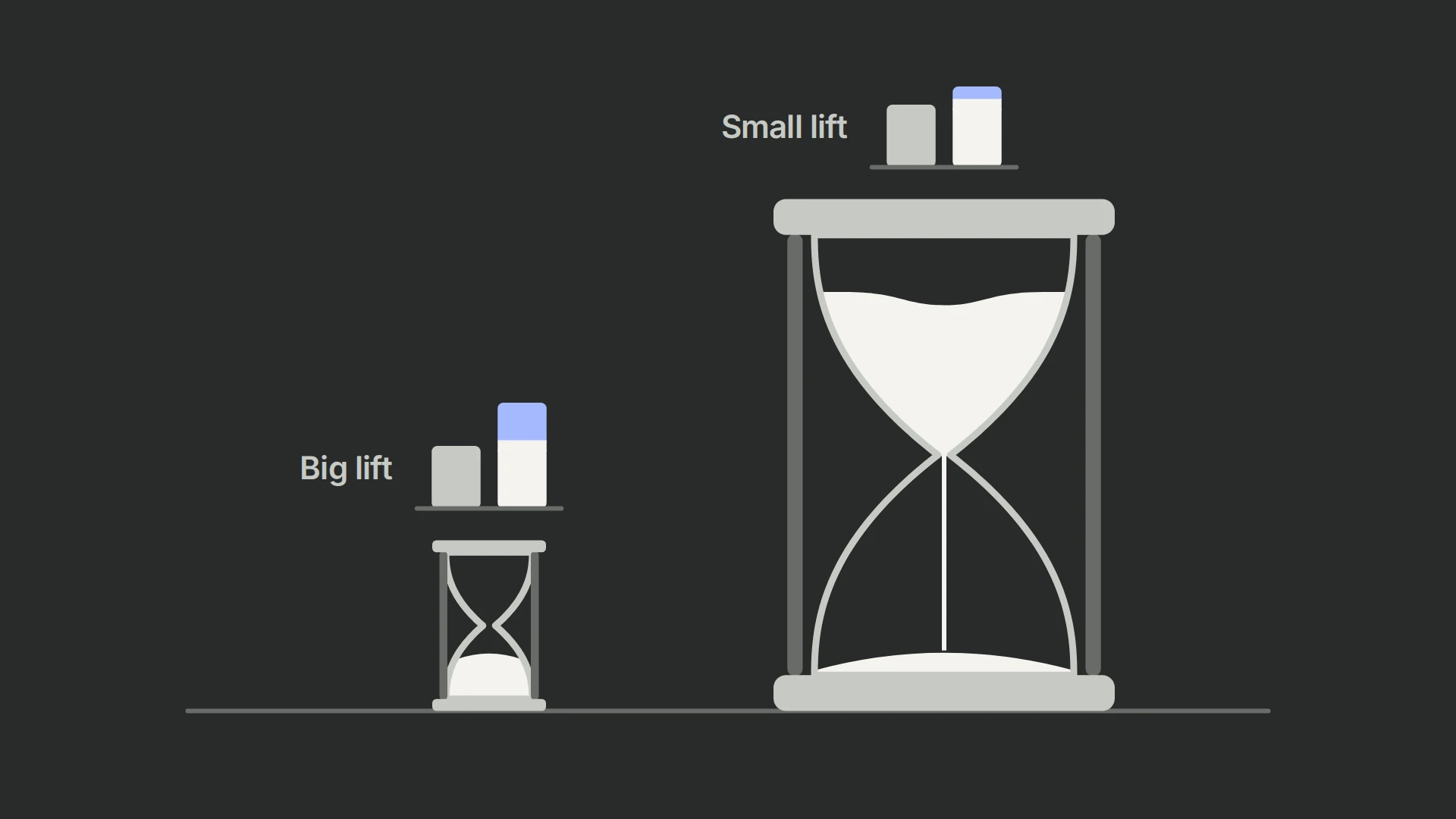
Enough orders to reach a decision within a few weeks. The vendors’ own guidance runs from about 100 orders per version (ABConvert) and 300 (Intelligems) to 10,000 visitors per version over 14 days (Shoplift). (+ / + / +) Our traffic guide works it out from your conversion rate and the smallest lift worth detecting.
Can you read Shopify A/B test results in GA4?
Partly. Elevate (in beta), Shoplift (on Advanced), Intelligems and ABConvert can send an event to GA4 when a visitor enters a test, so you can split GA4 reports by version. Elevate’s GA4 purchase events carry no revenue, so revenue by version stays in its own reports. (+ / + / + / +) With Rollouts, your theme and apps can’t read a visitor’s version at all. (+)
Which Shopify A/B testing app suits a small store?
The cheapest one that covers your test types: Rollouts if conversion-rate theme tests are enough, otherwise Elevate Basic at $49 a month for up to 1,000 orders, or ABConvert Starter at $99 for up to 1,000 orders from visitors in tests. (+ / +) Below a few hundred orders a month, tests take a long time to conclude, so fix the obvious problems first, as our Shopify CRO guide explains.